Home Office Setup and Stipends: What Employers Pay For
Who pays for the desk, the monitor and the internet bill depends on your employer's policy, your state and how the money is paid. This post sorts out what is typical, what the law requires and how stipends are taxed.

Steven Schulz
· 7 min read
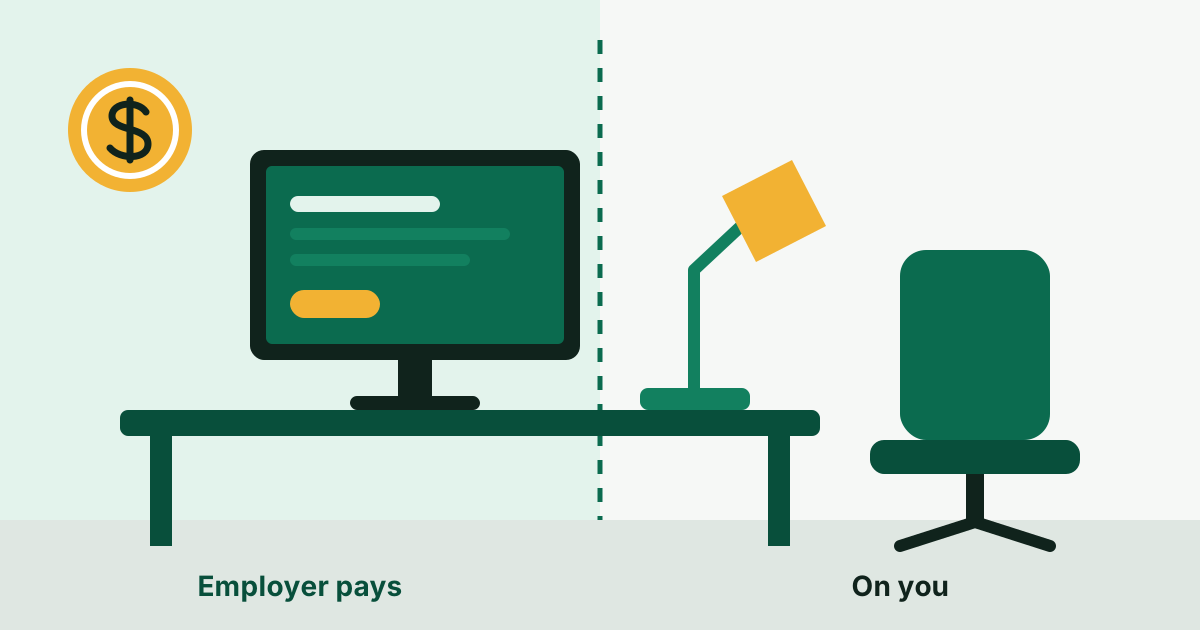
When you work from home, part of the employer's office cost moves into your spare room. How much of it comes back to you is decided by three things: the company's policy, the state you work in, and whether the money arrives as a reimbursement or as a flat stipend. Most remote employers provide a computer and little else by default, a few states require more, and the tax treatment of the rest surprises people every January.
What employers typically provide
There is no standard package, but the arrangements fall into four types.
- Shipped equipment. A laptop, and often a monitor, keyboard and headset, sent to you and owned by the company. This is close to universal for employees, because the employer wants to control the security of the device.
- A one-time setup allowance. A fixed amount in the first weeks for a desk, a chair and accessories. Sometimes paid against receipts, sometimes as a lump sum.
- A recurring stipend. A monthly amount meant to cover internet, phone and incidentals, or a broader "remote work" or "wellness" allowance you can spend as you see fit.
- Reimbursement on request. No fixed budget; you submit expenses under the normal expense policy and a manager approves them.
Many companies combine these; others ship a laptop and stop there. The details are usually in the offer letter or the handbook, not in the posting, so you have to ask.
What the law requires
Federal law: a floor, and a low one
No federal law requires private employers to reimburse home office costs in general. The Fair Labor Standards Act does set one limit: wages have to be paid "free and clear," and if an employer requires you to buy tools for the job, that cost may not cut your pay below the minimum wage or reduce required overtime pay in any workweek. The rule is in 29 CFR 531.35. For an hourly worker near minimum wage who is told to buy a headset and pay for a dedicated line, it can matter.
States with reimbursement statutes
A small number of states go further and require employers to cover necessary work expenses. The two that remote workers run into most often:
California. Labor Code section 2802 requires an employer to indemnify an employee for all necessary expenditures or losses incurred in direct consequence of the discharge of the employee's duties. California appellate courts have read this broadly. In a 2014 case about personal cell phones, the court held that an employer owes a reasonable percentage of the bill when the phone is required for work, even if the employee has an unlimited plan and pays nothing extra. In 2023, in Thai v. IBM, a court applied the statute to work-from-home expenses such as internet service and equipment.
Illinois. Since January 1, 2019, the Wage Payment and Collection Act (820 ILCS 115/9.5) requires employers to reimburse necessary expenditures incurred within the scope of employment and directly related to services performed for the employer. "Necessary" means reasonable expenses required for the job that primarily benefit the employer. The statute has conditions that favor employers: you generally have to submit the expense with supporting documentation within 30 calendar days unless a written policy allows longer, and you are not entitled to reimbursement if the employer has a written expense policy and you did not follow it.
Several other states and the District of Columbia have reimbursement provisions of their own, with different wording and reach. As of late 2026 the rules are not uniform, and most states have no such statute at all. If you are paying real money for something your job requires, look up your state labor department's guidance or ask it directly.
Two practical points apply everywhere. The law that counts is generally that of the state where you work, not where the company has its headquarters, which is one of the reasons some employers limit remote hiring to certain states. And these statutes cover expenses that are necessary for the job, not upgrades you chose.
Workplace safety
Federal OSHA has stated that it will not inspect employees' home offices and will not hold employers liable for them. Injuries that arise from work can still fall under your state's workers' compensation system when they happen at home; report them to your employer the way you would in an office.
How stipends and reimbursements are taxed
Whether money from your employer for work expenses is taxable depends on how it is paid. The IRS distinguishes two kinds of arrangement, described in Publication 15:
- Accountable plan. You incur a real business expense, substantiate it to the employer within a reasonable time (receipts, in practice), and return any excess. Payments under such a plan are not wages and are not taxed.
- Nonaccountable plan. Money paid without those conditions, for example a flat monthly amount with no receipts required, is treated as wages. Income tax, Social Security and Medicare are withheld.
| Reimbursement against receipts | Flat stipend, no receipts | |
|---|---|---|
| Appears on pay stub as | Non-taxable reimbursement | Taxable earnings |
| Withholding | None | Income tax, Social Security, Medicare |
| What you keep | The full amount | The amount after tax |
| Paperwork | Receipts, deadlines | None |
So a flat stipend is worth less than its face value. As a made-up example: if your combined withholding on extra pay comes to 30 percent, a $1,000 lump-sum setup allowance leaves you about $700 to spend, while a $1,000 budget reimbursed against receipts buys $1,000 of furniture. When you compare offers, ask which kind it is.
You cannot deduct the rest as an employee
A common assumption is that an employee can deduct home office costs the employer did not cover. Under current federal rules that is not available. The home office deduction is for the self-employed; the IRS guide for 2025 returns, Publication 587, answers the question "Are you using the part of your home as an employee?" with "No deduction."
If you are self-employed, the picture changes. A space used regularly and exclusively for business can qualify, and the IRS offers a simplified method of $5 per square foot for up to 300 square feet. That difference is one of several covered in the post on W-2 versus 1099 work.
Who owns the equipment
Ownership follows the money.
- Equipment the company ships belongs to the company. Expect to return it when you leave, usually with a prepaid box.
- Items bought with a taxable stipend are generally yours, since the stipend was your pay.
- Items reimbursed against receipts are the gray zone. Some policies say the company owns anything it reimbursed above a certain value; many say nothing and never ask for a chair back. Read the policy before you buy something expensive.
What to spend on first
If you have a limited budget, yours or the company's, spend it in the order your body and your calls will notice.
- A chair you can sit in for a full day. Adjustable height and lumbar support matter more than brand.
- An external monitor at eye level, with a separate keyboard and mouse. Working eight hours hunched over a laptop is the most common home office mistake.
- A wired headset or a decent microphone. Colleagues forgive a plain background; they do not forgive audio they cannot understand.
- A reliable connection. An Ethernet cable to the router fixes more video call problems than a faster plan does.
- Light from in front of you, not behind. The post on video interview setup covers camera and lighting in detail, and the same setup serves you after the offer.
Questions to ask before you accept
Home office support is part of compensation, and the right moment to clarify it is between the offer and your signature. Ask the recruiter:
- What equipment do you ship, and what am I expected to supply?
- Is there a setup allowance or a monthly stipend? Is it reimbursed against receipts or paid through payroll?
- Do you reimburse internet or phone, and how do I submit that?
- What is the deadline for submitting expenses?
- What happens to equipment and purchased items if I leave?
If the answer to the first three is "a laptop and nothing else," that is not a reason to decline, but the cost of furnishing a workspace then lands on you and belongs in your math. A one-time allowance is among the easier things to ask for, as discussed in the post on negotiating a remote job offer, because it costs the employer once and does not touch the salary band. It sits alongside the larger items covered in the post on benefits in a remote job.
What to do next
Before your start date, get the equipment and expense policy in writing and read the deadlines. Keep every receipt for anything you buy for work from day one, in one folder, whether or not you expect to be paid back. If you live in a state with a reimbursement statute and your job requires you to pay for something month after month, raise it with your manager or HR in writing, and contact the state labor department if that goes nowhere. Then use your first weeks in the job to fix the chair and the monitor before the bad habits set in.