Video Interviews: Setup, Structure and the Mistakes That Cost Offers
For a remote job, the video interview is also a preview of what working with you will be like. This post covers the setup that matters, how a typical interview loop is structured, and the avoidable mistakes interviewers remember.

Steven Schulz
· 7 min read
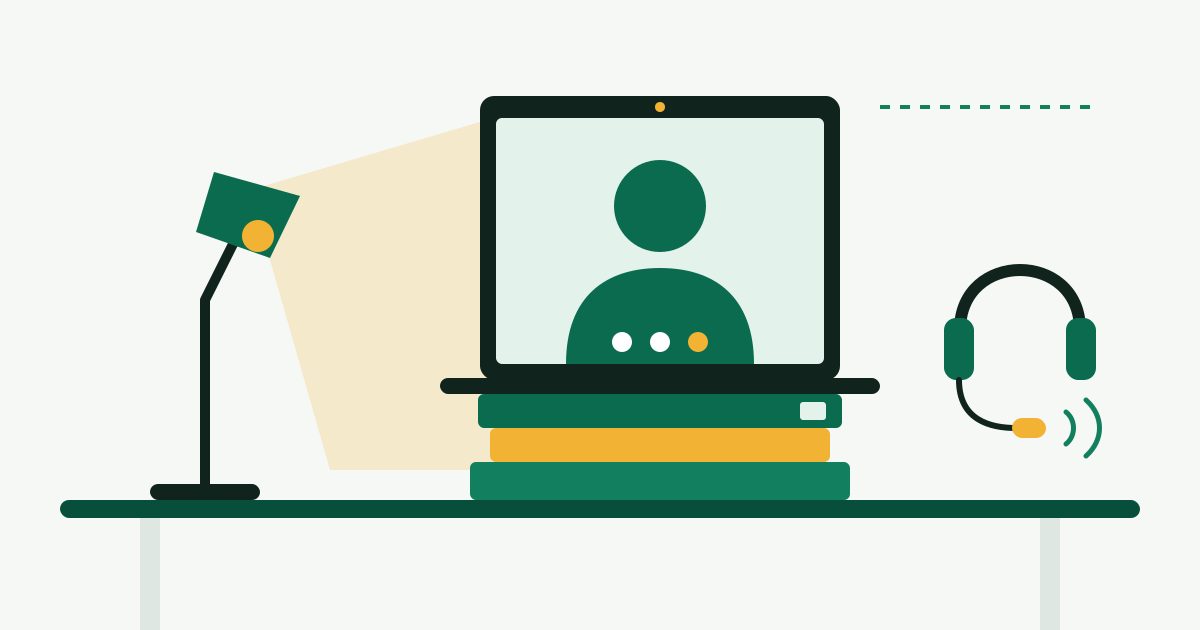
In a remote hiring process, every conversation happens on video, and the interviewers are also quietly assessing what it would be like to work with you through that same screen. Good setup will not get you the job, but poor sound, a late start or a visible struggle with the software can lose it. The fixes are cheap and take an evening; the rest of this post is about spending your effort where interviewers notice it.
Sound first, then light, then camera
Candidates tend to worry about how they look. Interviewers are far more bothered by not being able to hear. Fix things in this order.
Sound
- Use a headset or earbuds with a microphone. Laptop speakers and microphones together cause echo and pick up the room.
- Choose a small room with soft surfaces if you can. A bedroom with a rug and curtains sounds better than a kitchen.
- Close the window, silence your phone, and quit apps that make notification sounds.
- Record thirty seconds of yourself in the same app the interview will use, and listen back. This single test catches most problems.
Light
Put the main light source in front of you, not behind. A window you are facing is ideal. A window behind you turns you into a silhouette. In the evening, a desk lamp placed behind the laptop and pointed at the wall in front of you gives soft, even light. You do not need a ring light.
Camera
Raise the laptop on a stack of books until the camera is at eye level. Looking down into a laptop on a desk is the most common framing problem and the easiest to fix. Sit so your head and shoulders fill the middle of the frame with a little space above your head.
Background and connection
A plain wall, a bookshelf or a tidy room is fine. A blurred background is acceptable; a novelty virtual background is a distraction. If your home connection is unreliable, sit close to the router or use a cable, ask others in the household to pause streaming for the hour, and have your phone's hotspot ready as a fallback.
You do not need to buy much. An employer hiring remotely will often provide equipment or money toward it after you start; home office setup and stipends covers what is typical.
The fifteen minutes before the call
| When | Check |
|---|---|
| The day before | Install or update the meeting app and open a test meeting; confirm the invite's time zone |
| The day before | Read the names and roles of your interviewers; reread the posting |
| 15 minutes before | Restart the app, plug in the charger, put on the headset |
| 15 minutes before | Close every tab and app you would not want to share by accident |
| 10 minutes before | Open your notes, your resume and the job posting in one window |
| 5 minutes before | Glass of water within reach, phone on silent, door closed |
| 2 minutes before | Join the meeting |
Time zones cause more missed interviews than any technical fault. Calendar invites usually convert automatically, but emails that say "2 pm" do not. If there is any doubt, reply and confirm: "Confirming 2:00 pm Eastern on Thursday." More on reading schedules is in time zones and core hours.
How a remote interview loop is usually structured
Processes differ by company and role, but most follow a recognizable sequence. Knowing which stage you are in tells you what the interviewer is trying to decide.
- Recruiter screen, about 30 minutes. Often audio only or a short video call. The recruiter checks the basics: your location and work eligibility, pay expectations, timing, and whether your background matches the role. Have a number or range ready; how to read a salary range helps you place yourself in the posted band.
- Hiring manager interview, 45 to 60 minutes. The person you would report to. Expect questions about your past work and how you operate. They are deciding whether they want to manage you.
- Skills assessment. A live exercise, a case, a presentation or a take-home assignment, depending on the field.
- Panel or loop. Several back-to-back conversations with future peers and partners in other departments, sometimes spread over two days. Each interviewer usually covers a different area.
- Final conversation. A senior leader or a founder, often about motivation and judgment, sometimes a formality.
Ask the recruiter at the first stage what the steps are and who you will meet. Recruiters expect the question, and the answer lets you prepare for each conversation separately. The questions themselves, and how to build answers, are the subject of remote interview questions.
Some employers add a one-way video step, where you record answers to written questions without a live interviewer. Treat it like a live call: same setup, same clothes, answers of about two minutes. Use the practice question if one is offered.
Behave like a good remote colleague on the call
The interview is a sample of your remote working habits. A few behaviors carry more weight on video than in a room.
- Look at the camera when you make your main point. Not constantly, which looks odd, but at the moments that matter. Moving the meeting window to the top of the screen, just under the camera, makes this nearly automatic.
- Leave a beat before answering. Video has a slight delay, and people who start talking instantly end up talking over the interviewer. A one-second pause also makes you sound considered.
- Keep answers to about two minutes. It is harder to interrupt on video, so a long answer runs on unchecked. Finish, then ask "Would more detail on any part be useful?"
- Say what you are doing. "I am going to take a few seconds to think about that." "Let me share my screen, one moment." Silence on video reads as a frozen connection.
- Take notes openly. Mention at the start that you will write a few things down, so that looking away is understood.
Notes on screen are fine as prompts: a few keywords per story, your questions for the interviewer. Do not read prepared answers. The eye movement and the flat delivery are obvious. For the same reason, do not use an AI tool to feed you answers during a live interview. Interviewers have learned to spot the pause and the reading cadence, and many companies treat it as grounds for ending the process.
When something goes wrong
Something will go wrong eventually. How you handle it is itself information for the interviewer, and a calm recovery often leaves a better impression than a flawless call.
- Audio fails. Say so in the meeting chat, then leave and rejoin. If that does not work, dial in by phone using the number in the invite and keep the video running.
- Connection drops. Switch to your hotspot and rejoin. Send a one-line email to the recruiter if you are out for more than two minutes.
- An interruption at home. A child, a dog or a delivery is ordinary life for a remote team. Apologize once, deal with it, continue.
- The interviewer is late or absent. Wait ten minutes, then email the recruiter, stay in the meeting for five more, and offer times to reschedule.
Keep the recruiter's email address and the dial-in number somewhere other than the laptop you are interviewing on.
Mistakes interviewers remember
These come up again and again in hiring debriefs.
- Joining late, or spending the first five minutes fixing a microphone that was never tested
- Sound so poor that the interviewer stops listening to the content
- Visibly reading from a screen, or eyes flicking to a second monitor during every answer
- Typing or checking messages while the interviewer talks
- Answers that run for five minutes without a result
- Having no questions at the end, or asking only about time off and perks
- Saying the main attraction of the job is that it is remote
- Speaking badly about a previous employer
The last three are not about video, but they are amplified by it, because there is less small talk to soften them.
A note on fake interviews
A real employer interviews you live, with people whose names you can look up, and does not ask for money. Be wary of an "interview" held entirely by text chat, an offer made after one short conversation, or a request to buy equipment yourself or deposit a check and send part of it on. The FTC's guidance on job scams states that honest employers will never ask you to pay to get a job, and explains how fake check schemes work. The warning signs are covered in detail in remote job scams: the red flags.
What to do next
- Tonight, record a thirty-second test in the meeting app with your headset on and a lamp in front of you. Fix whatever you notice.
- Put the laptop on books so the camera is at eye level, and leave them there.
- Save the pre-call checklist above where you will see it.
- Ask a friend for a fifteen-minute practice call and have them tell you one thing about your sound and one about your answers.
- After each real interview, send a short thank-you email the same day that mentions one specific thing you discussed.